
Understand results
1.1 JSON view (verbatim server payload)
• Shows the server payload exactly as returned (often a Bundle).
• Expand/collapse helps navigate large JSON.
• Useful when you need the original structure, nested fields, and all extensions.
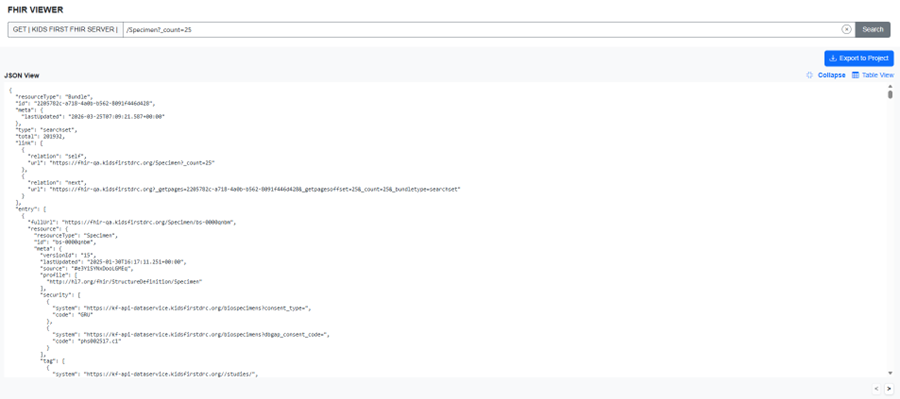
Expanded JSON view
1.2 Table view (flattened representation)
The Table view is a flattened representation of the JSON response. In most searches, each row represents one Bundle.entry.resource (one Patient, one Specimen, etc.). Nested fields become dot-delimited columns (for example, identifier.0.value). To make large, fully flattened results easier to navigate, columns are collapsible, helping you quickly locate relevant fields while retaining access to all underlying data.
• Good for scanning, sorting, and quick comparisons.
• Best exported as TSV for analysis in spreadsheets or scripts.
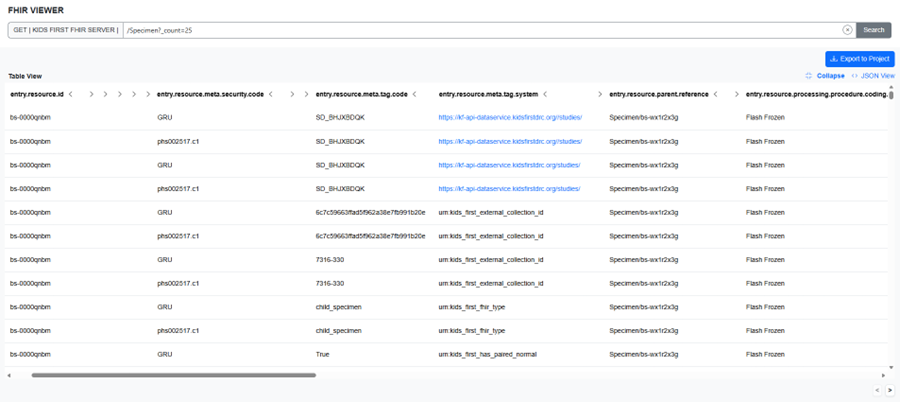
Expanded table view showing flattened columns with collapsible columns
1.3 Dual view layout
• JSON and Table views stay on the same page of results.
• Each panel can be expanded independently for readability.
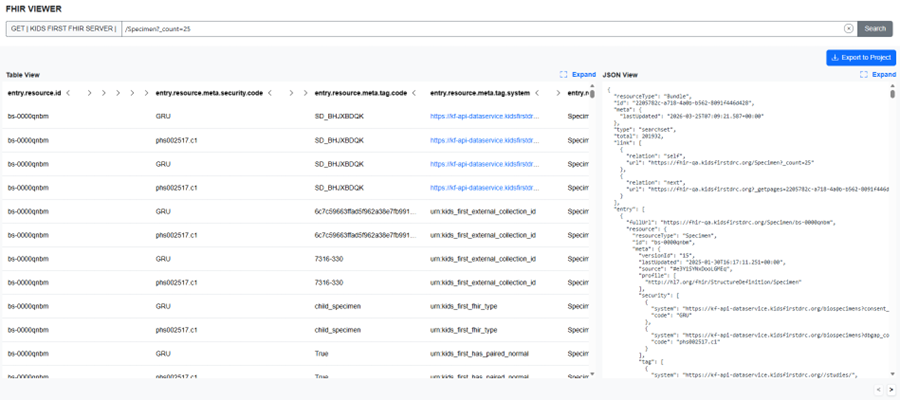
Dual view side-by-side layout
1.4 Paging / result limits
When results span multiple pages, the viewer uses server-provided paging links. Use Next/Previous to navigate; both views update together.
1.5 References (linked resources)
Reference fields appear as clickable links. Clicking opens the referenced URL in a new browser tab.
• The viewer does not automatically fetch or display linked resources inside the viewer.
• Use references to decide what to query next (IDs are your bridge across steps).
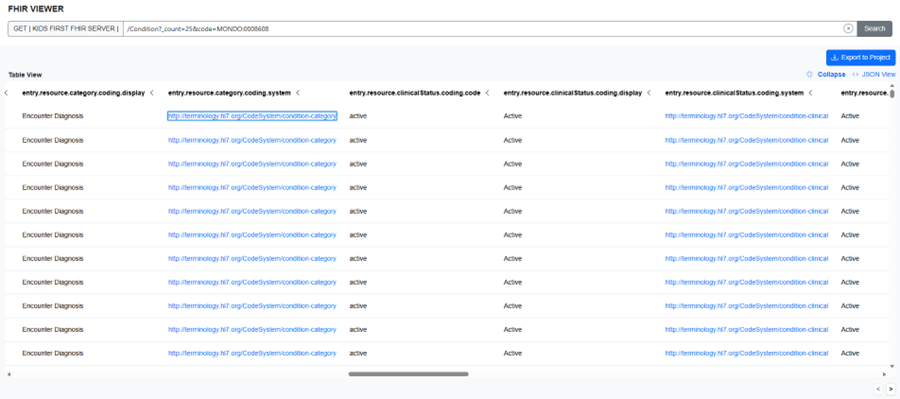
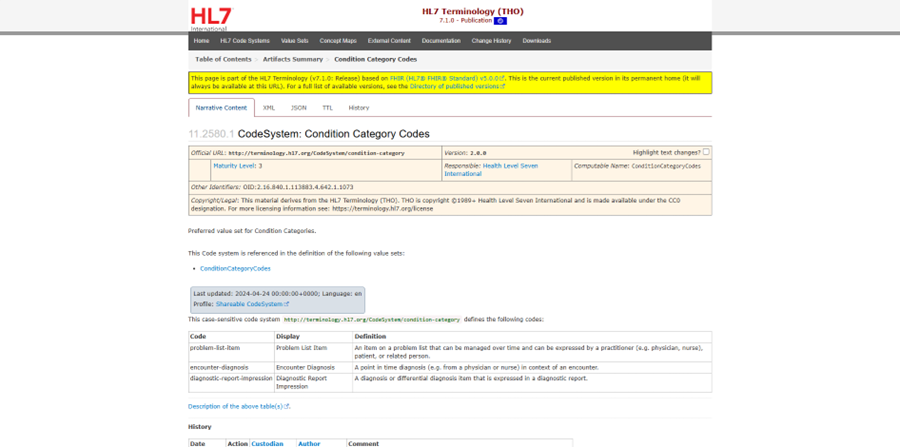
Reference link shown in Table view and the page it leads to
Updated 6 months ago