
Connect to a FHIR server
1.1 External Connections
FHIR servers are configured as tiles in Platform → External Connections. Each tile represents an external FHIR server; authentication is handled via an external flow initiated when you connect.

Server tile on External Connections page
Kids First FHIR server Kids First is a research-oriented pediatric/genomics FHIR server. It often uses study tagging, provides phenotype-heavy metadata, and represents files through DocumentReference resources (commonly linking to DRS URLs). • Common resources: Patient, ResearchStudy, ResearchSubject, Specimen, Condition, Observation, DocumentReference. • Common workflow: study → participants → specimens/phenotypes → file references.
1.2 Connect (SMART / OAuth2)
- Open Platform → External Connections.
- Click Connect on the desired server tile.
- Complete sign-in/consent in the authentication pop-up.
- After successful login, open the FHIR Viewer link.

Authorization pop-up for Kids First server
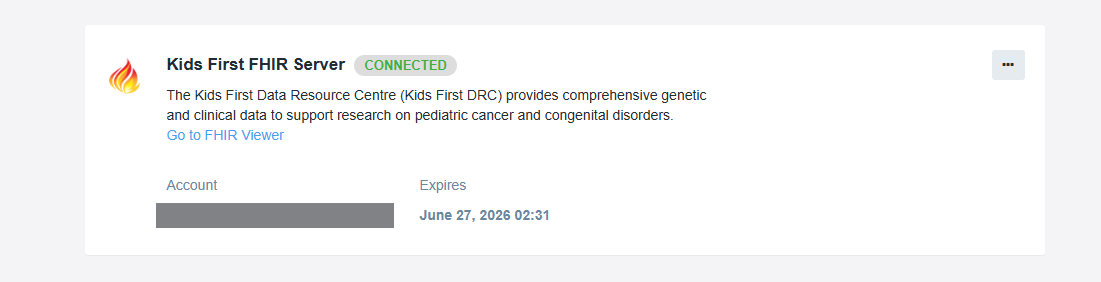
Connected state
Updated 5 months ago
Did this page help you?